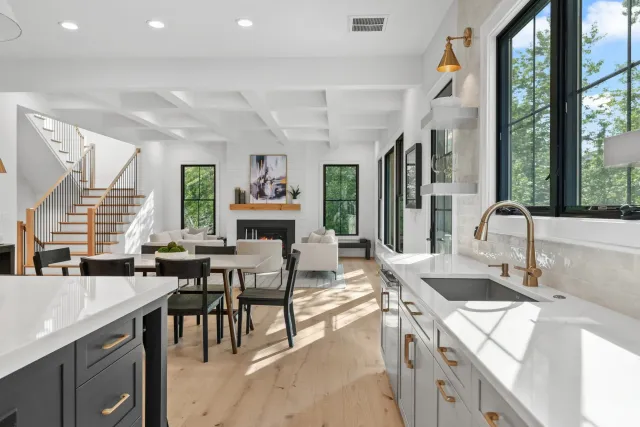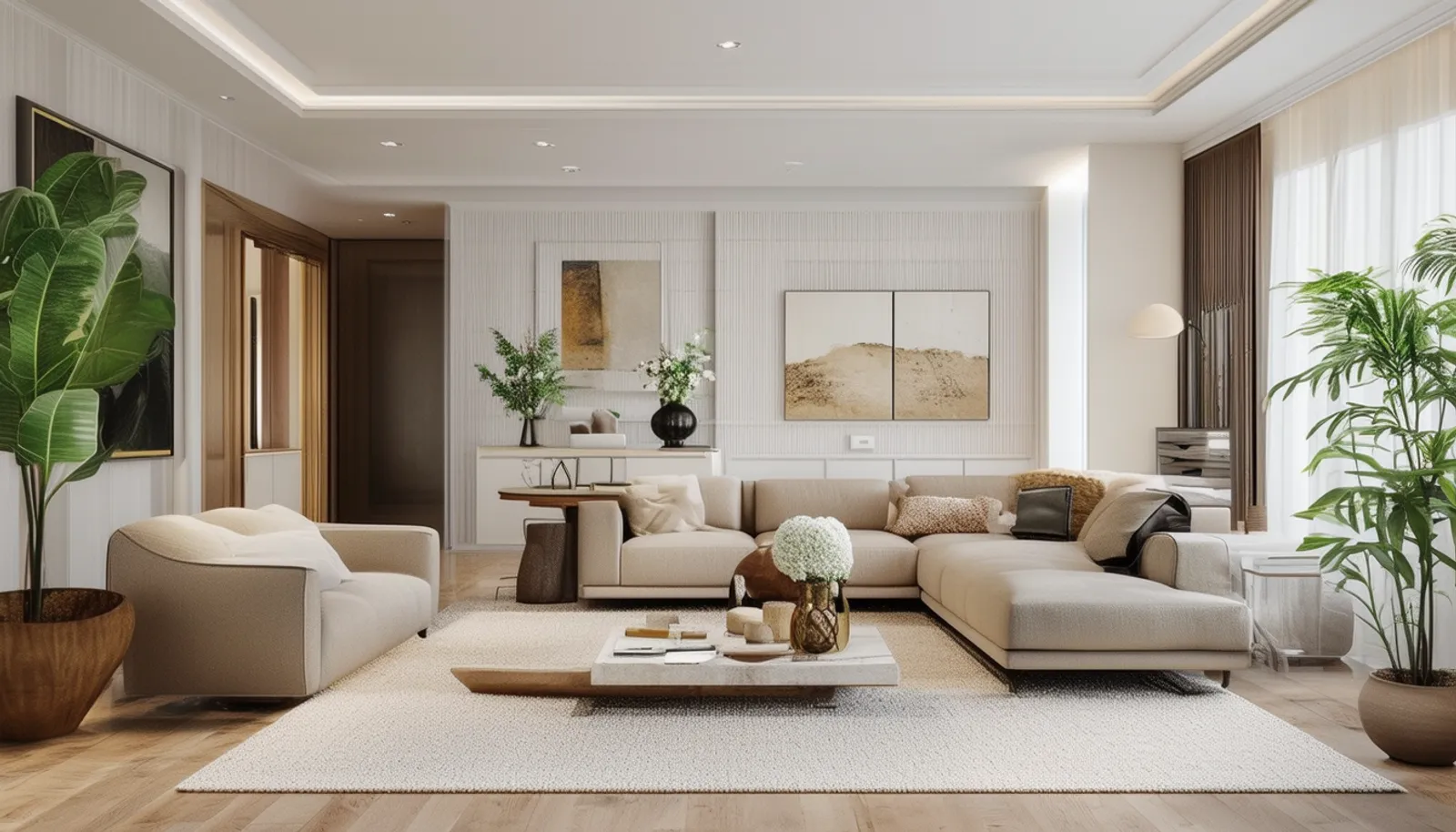
A vacant listing is one of the hardest things to sell. Empty rooms photograph poorly — they look smaller, colder, and forgettable. Buyers scroll past them. The ones who do click through struggle to imagine how they’d actually live in the space.
Traditional staging solves this, but at $1,500 to $5,000 per month in furniture rental, delivery, and setup, it’s a hard sell for most listings. And if the home doesn’t sell quickly, those monthly costs keep adding up.
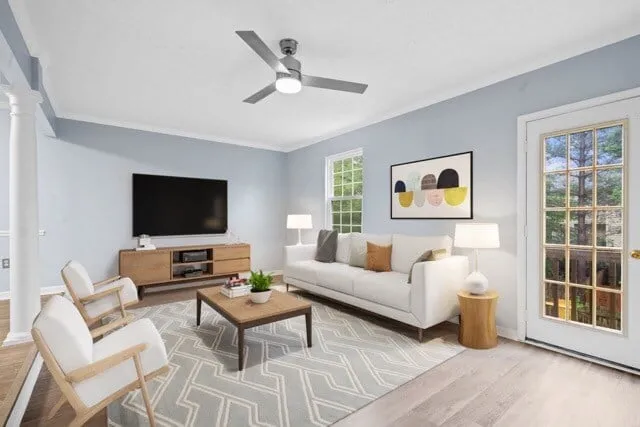
Virtual staging gives you the same buyer impact at a fraction of the cost. Professional designers digitally furnish your listing photos with realistic furniture and decor, transforming empty rooms into aspirational spaces — typically within 24 to 48 hours and for under $50 per image.
This guide covers everything agents need to know: how virtual staging works, what it costs, when to use it, and how to get results that actually move the needle on your listings.
How Virtual Staging Works
The process is straightforward:
- You provide high-quality photos of the empty or outdated rooms (professional photography produces the best results — here’s why)
- A designer selects furniture and decor that match the home’s style, scale, and target buyer demographic
- Using specialized software, the designer places items into the photo with accurate lighting, shadows, and perspective
- You receive the finished images — typically within 24 to 48 hours, ready to upload to MLS and marketing channels
The best virtual staging looks indistinguishable from a professionally photographed, physically staged home. Shadows fall correctly, furniture scales to the room’s proportions, and the style feels intentional rather than generic.
Virtual Staging vs. Traditional Staging: The Real Comparison
| Virtual Staging | Traditional Staging | |
|---|---|---|
| Cost per listing | $200-$500 (one-time) | $1,500-$5,000/month |
| Turnaround | 24-48 hours | 1-2 weeks to schedule and set up |
| Style flexibility | Unlimited — swap styles in hours | Limited to available inventory |
| Duration | Images last forever | Monthly rental; remove after sale |
| In-person impact | Photos only | Physical presence during showings |
| Logistics | Upload photos, receive staged images | Coordinate delivery, setup, removal |
Neither is universally better. They serve different purposes:
- Virtual staging dominates online marketing, where 97% of buyers start their search. It’s where first impressions happen.
- Traditional staging shines during in-person showings and open houses, where buyers can experience the space physically.
Smart agents use virtual staging on every vacant listing (because the ROI is obvious) and reserve traditional staging for high-value properties where the in-person experience justifies the cost.
Why Virtual Staging Sells Homes Faster
Empty Rooms Kill Buyer Interest
Buyers make snap judgments. Research from the National Association of Realtors shows that 81% of buyers find it easier to visualize a property as their future home when it’s staged. Without furniture, buyers see problems: the room looks small, the layout seems awkward, the space feels cold.
Virtual staging flips the script. A vacant living room becomes a cozy gathering space. An empty bedroom becomes a retreat. Buyers stop seeing square footage and start seeing their life in the home.
Staged Listings Get More Engagement
The data is consistent across markets:
- Staged homes spend 73% less time on market compared to unstaged properties
- Virtually staged photos generate more saves, shares, and inquiries on listing portals
- Buyers spend more time on listings with staged photos, signaling quality to platform algorithms
- Staged listings receive higher perceived value — buyers estimate staged homes as worth 6-10% more
Staging Defines Rooms That Confuse Buyers
That awkward bonus room on the second floor? Without staging, buyers don’t know what to do with it. Stage it as a home office, a reading nook, or a kids’ play area, and suddenly it becomes a feature instead of a question mark.
This is especially valuable for:
- Open floor plans where spaces flow together
- Flex rooms, lofts, and bonus areas
- Oversized primary bedrooms where buyers can’t gauge furniture placement
- Outdoor spaces like patios and decks
When to Use Virtual Staging (And When Not To)
Always Stage Virtually
- Vacant homes — this is the core use case and the highest-impact scenario
- Occupied homes with dated furniture — virtual furniture removal + restaging modernizes the look without disrupting the seller’s life
- New construction — model homes are expensive to stage physically; virtual staging lets you show multiple design options
- Rental and investment properties — investors care about potential; show them a fully furnished unit to demonstrate rental appeal
Consider Traditional Staging Instead
- Luxury listings over $1M where buyers expect a physical experience during showings
- Homes that will have multiple open houses over an extended marketing period
- Properties where tactile details matter — high-end finishes, custom millwork, designer fixtures
Don’t Stage At All
- Photos of rooms with existing furniture that looks good — don’t fix what isn’t broken
- Exterior photos — staging doesn’t apply to the outside of the home (though virtual landscaping is a separate service)
How Much Does Virtual Staging Cost?
Virtual staging pricing is straightforward:
- Per image: $25-$75 depending on complexity and provider quality
- Full home package (8-12 images): $200-$500
- Virtual furniture removal (digitally removing existing furniture before staging): $25-$40 per image
- Item removal (removing small objects, clutter, personal items): $5-$15 per image
- Rush delivery (same day or next morning): typically 50-100% premium
Compare that to traditional staging:
- Furniture rental: $1,500-$3,000/month
- Delivery and setup: $500-$1,000
- Removal: $300-$500
- Monthly extension if the home doesn’t sell quickly: full rental rate again
For a $400K listing, virtual staging costs less than 0.1% of the sale price. It’s one of the highest-ROI marketing investments an agent can make.
Best Practices for Results That Actually Convert
1. Start With Great Photography
Virtual staging amplifies the quality of your base photos. If the original photography has poor lighting, bad angles, or low resolution, virtual staging can’t fix that. Invest in professional real estate photography first — then stage.
2. Match Style to Buyer Demographic
A farmhouse-style staging won’t resonate with buyers shopping in a modern downtown condo building. Match the design to who’s actually buying:
- Young professionals: clean, modern, minimalist
- Families: warm, functional, kid-friendly touches (but not too specific)
- Downsizers: elegant, uncluttered, sophisticated
- Luxury buyers: designer furniture, curated art, high-end materials
3. Stage the Right Rooms
Not every room needs staging. Focus your budget on the photos with the highest impact:
- Living room — the emotional center of the home
- Primary bedroom — buyers need to see themselves relaxing here
- Kitchen/dining area — the social hub; show it as a gathering space
- Home office — increasingly important since remote work became standard
- Outdoor living space — patios, decks, and yards with furniture signal usability
4. Keep It Realistic
The fastest way to lose buyer trust is staging that looks fake. Follow these rules:
- Scale furniture to the room — a sectional sofa in a 10x12 room looks absurd
- Leave breathing room — real rooms have walkways; don’t fill every inch
- Use consistent lighting — shadows and light direction must match the photo’s natural light
- Avoid floating furniture — every piece should look grounded with proper shadows
- Skip the impossible — don’t stage a grand piano in a room that couldn’t fit one through the door
5. Always Disclose
This isn’t optional — it’s both ethical and often legally required. Label virtually staged images clearly: “Virtually Staged” or “Digital Staging — Furniture Not Included.”
NAR guidelines and most MLS systems require disclosure. Beyond compliance, transparency builds trust. Buyers who feel deceived at a showing will walk — and they won’t come back.
6. Include Unstaged Photos Too
Provide both staged and unstaged versions of each room in your listing. This lets buyers see the actual space while also understanding its potential. It also protects you from any claims of misrepresentation.
Common Mistakes to Avoid
- Over-staging: Cramming too much furniture into a room makes it look smaller, not larger
- Wrong style for the market: Mediterranean villa furniture in a Cape Cod cottage confuses buyers
- Altering the property: Never digitally remove walls, change flooring, add windows, or modify permanent features — that crosses from staging into misrepresentation
- Ignoring the listing photos: If your MLS photos show an empty room but your social media shows it staged, include context so buyers understand what’s real
- Using cheap services: Low-cost virtual staging often produces unrealistic results with floating furniture, wrong perspectives, and generic designs that hurt more than they help
Virtual Staging as a Listing Presentation Tool
Virtual staging isn’t just about the buyer — it’s a powerful tool for winning listings. When you present a seller with a marketing plan that includes virtual staging, you’re showing them:
- You understand that vacant homes are harder to sell and you have a solution
- You invest in marketing tools that get results
- You’ll make their home stand out against competing listings
- You can show them before/after examples from previous listings
For agents who work with investors, flippers, or builders with multiple vacant properties, virtual staging becomes a core part of your value proposition. It’s the difference between “I’ll list your home” and “I’ll market your home to sell.”
Ready to transform your vacant listings? Explore UMedia’s virtual staging services or place an order to get started.